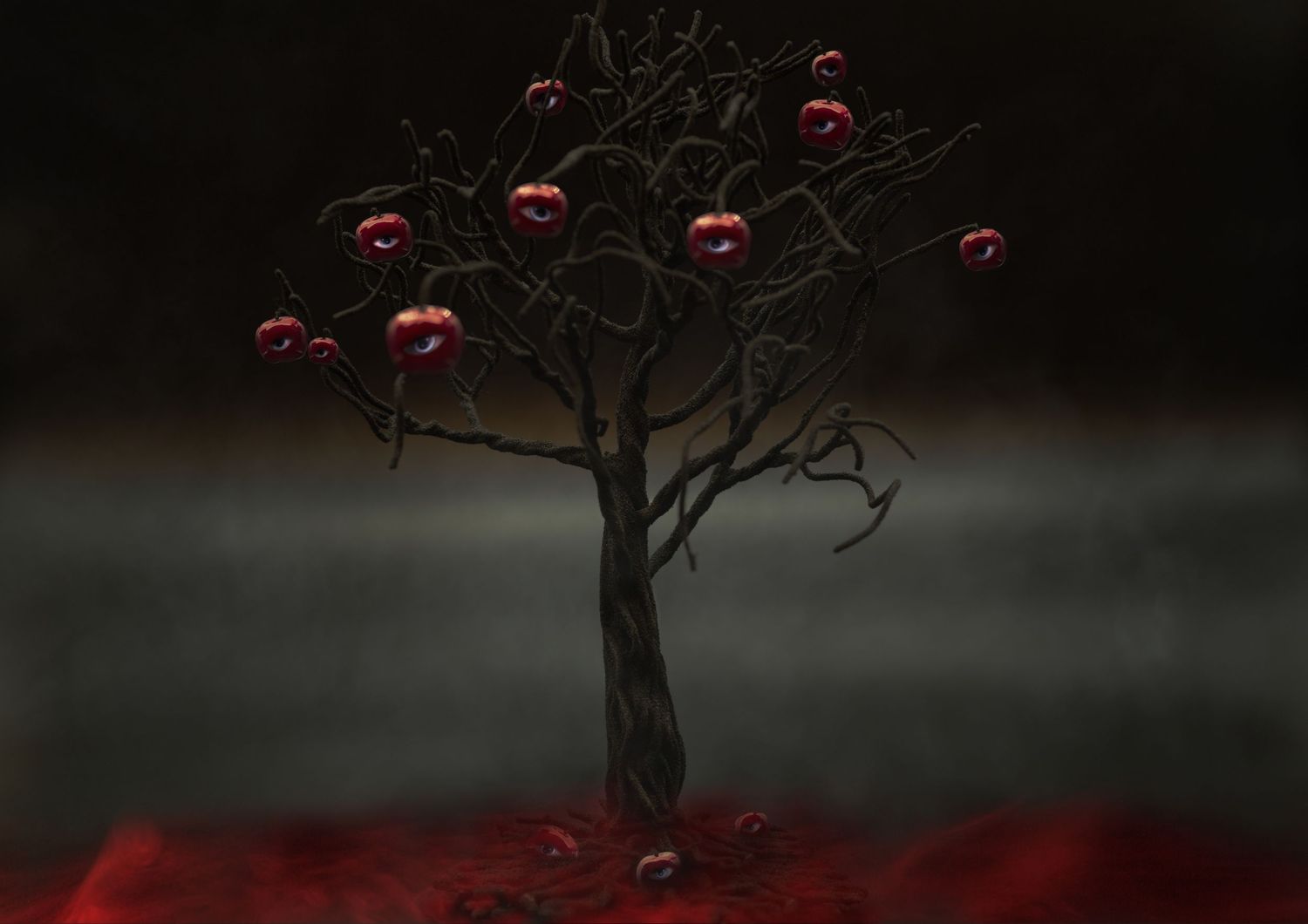
Composite photography is the process of combining two or more images into a single final piece. It’s an essential skill for photographers who want to move beyond simple captures and create imaginative, surreal, or cinematic scenes.
This guide will give you a foundation you can return to as you practice.
1. Understanding Composites
- Definition: A composite is a single image built from multiple photos.
- Uses: Replacing skies, creating fantasy worlds, product advertising, storytelling portraits.
- Core Skills: Layering, masking, blending, and color matching.
2. Planning Your Composite
- Start with a concept or story.
- Keep lighting, perspective, and scale consistent across all elements.
- Sketch or visualize your final layout before you begin.
3. Shooting for Composites
- Tripod: Use one for consistency when capturing multiple shots.
- Lighting: Match light direction and quality across all images.
- Capture Extra: Take more shots and textures than you think you’ll need.
4. Essential Tools
- Software: Photoshop (industry standard), Affinity Photo, GIMP, or Luminar.
- Key Features to Learn: Layers, masks, selection tools, blend modes, adjustment layers.
5. Basic Workflow
- Choose Your Base Image – This sets the scene.
- Import Additional Elements – Place each on a separate layer.
- Mask, Don’t Erase – Use masks for non-destructive editing.
- Blend Elements – Adjust exposure, contrast, and color to match.
- Add Shadows & Highlights – Integrate objects realistically.
- Apply Global Adjustments – Color grade the entire image for unity.
6. Tips for Realism
- Match light direction and color temperature.
- Scale elements correctly, proportions matter.
- Blur backgrounds or foregrounds to match the depth of field.
- Feather mask edges for natural blending.
7. Practice Projects
- Replace a sky in a landscape.
- Add stars or a moon to a night scene.
- Clone yourself in multiple positions within one frame.
- Place an everyday object into a surreal environment.
8. Common Pitfalls
- Inconsistent lighting.
- Mismatched resolution between elements.
- Harsh, unnatural edges.
- Skipping global adjustments (resulting in a “cut-and-paste” look).
9. Continuing Your Growth
- Study movie posters and advertising composites for inspiration.
- Experiment with stock images (Unsplash, Pexels) to practice.
- Refine one skill at a time (masking, shadows, color grading).
- Review your old work to see your progress.
Composites are part technical skill, part artistic vision. Don’t rush but experiment, refine, and enjoy the creative freedom it brings.